BASIC - every plan
Users, teams, the org chart and legal entities.
Organization
Draw the company's chart, give your people access with the right role, record who works on what terms, and let every month of hours go from the person to their head and on to payroll.
How it goes today
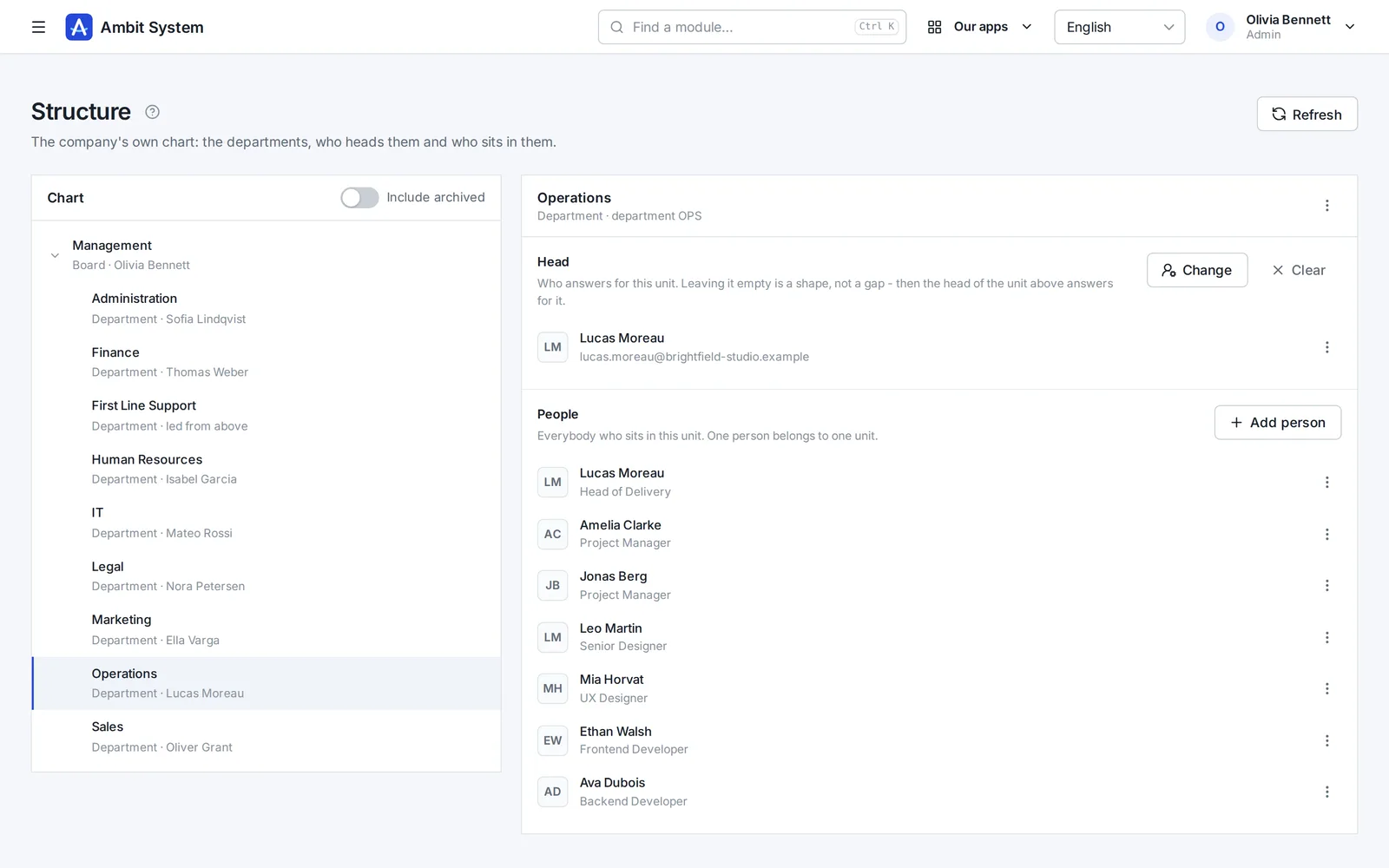
The Organization keeps the chart, the people and their hours in one place - and the chart itself decides who approves whose month.
From the chart to payroll
Each step uses the one before it - nothing is entered twice.
The board, departments and sections, each with a head; one person sits in one unit.
Users with their role and team, added by hand or imported from CSV or XLSX.
Each person's contract, period, weekly hours and rate - the contract decides who owes hours.
A month of hours goes from the person to their head for approval, and on to payroll to settle.
Users
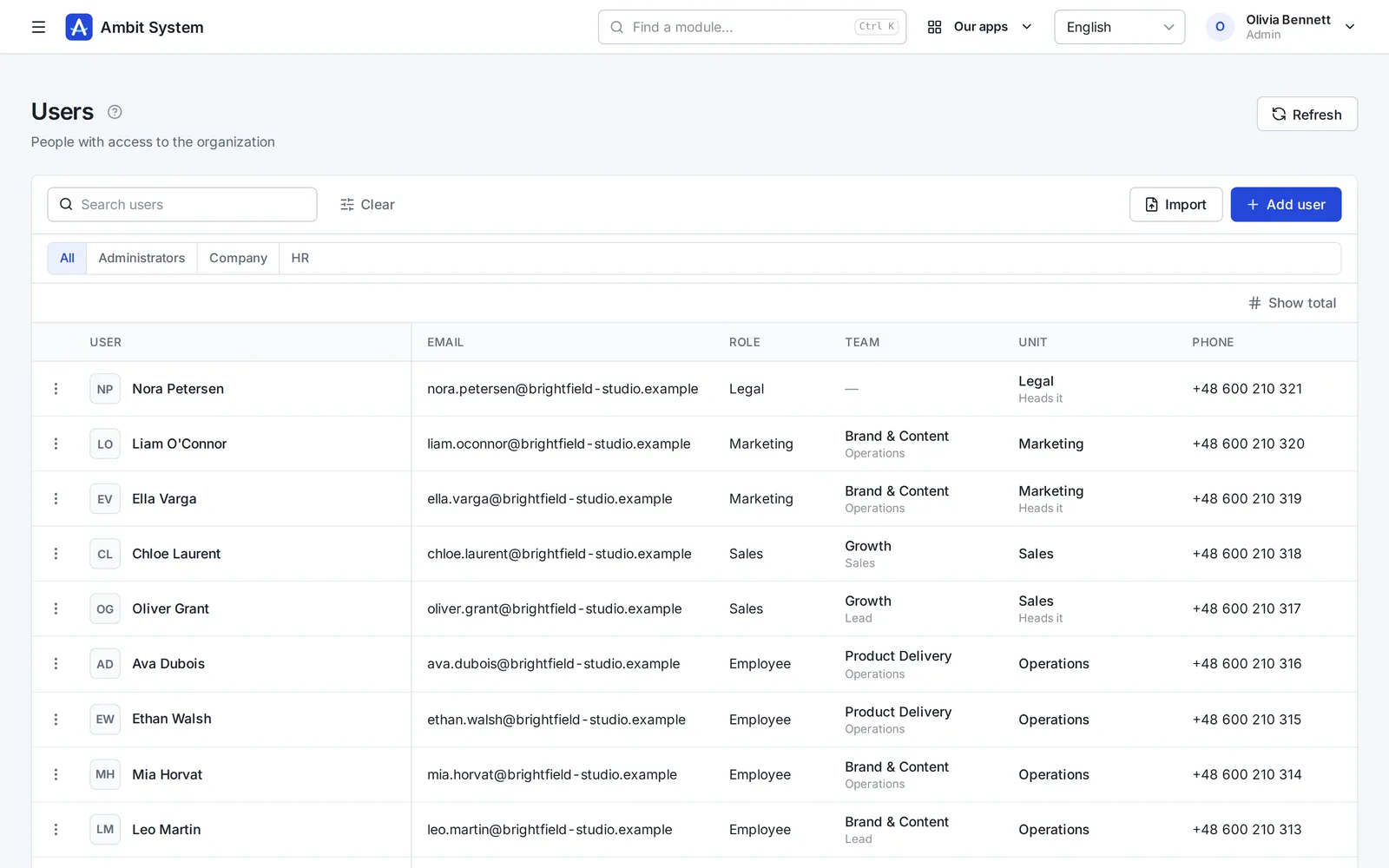
Everybody who signs in, with their role, team and unit, in one list.
Employment
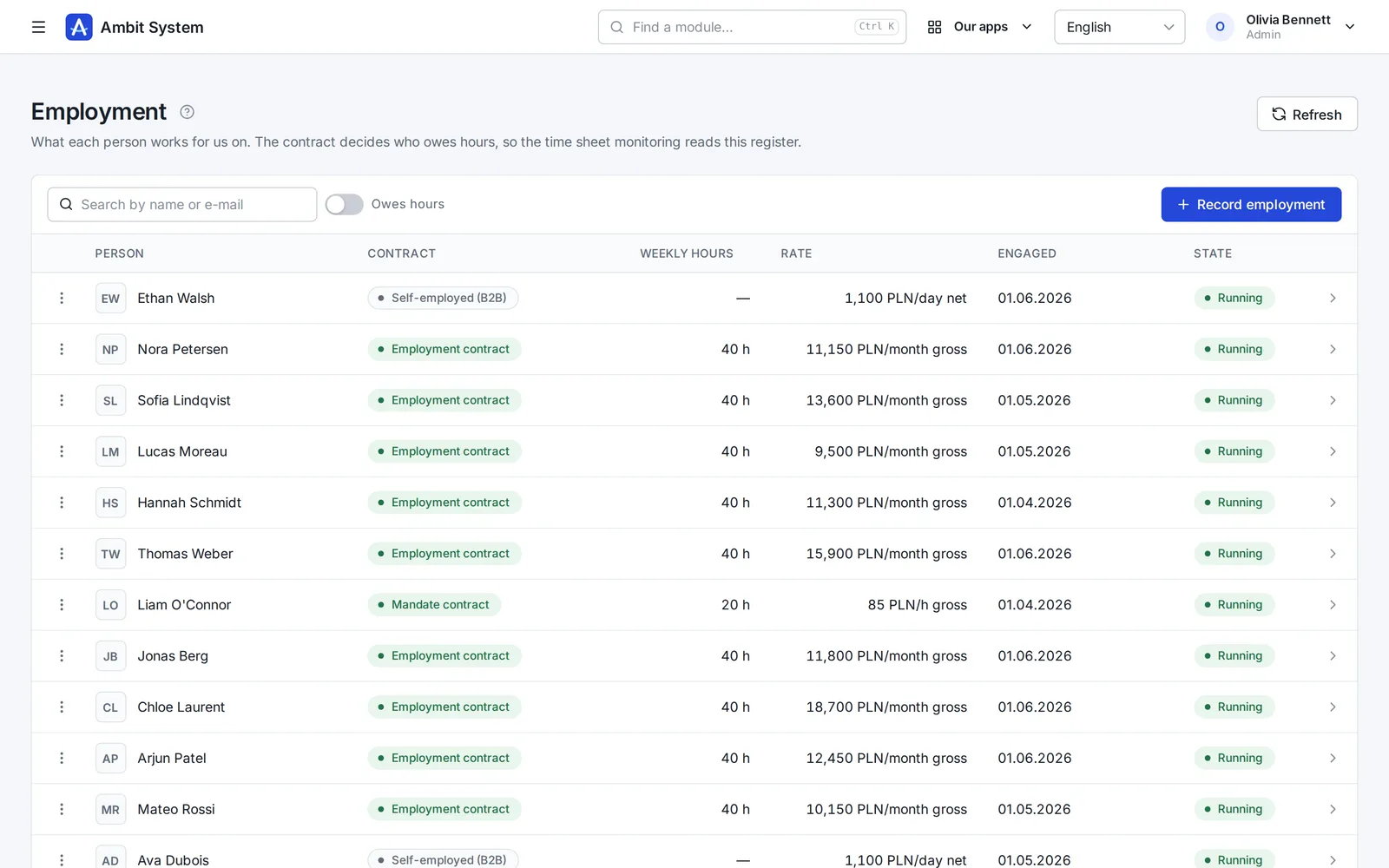
One record per person: the contract, the period, the weekly hours and the rate.
Working time
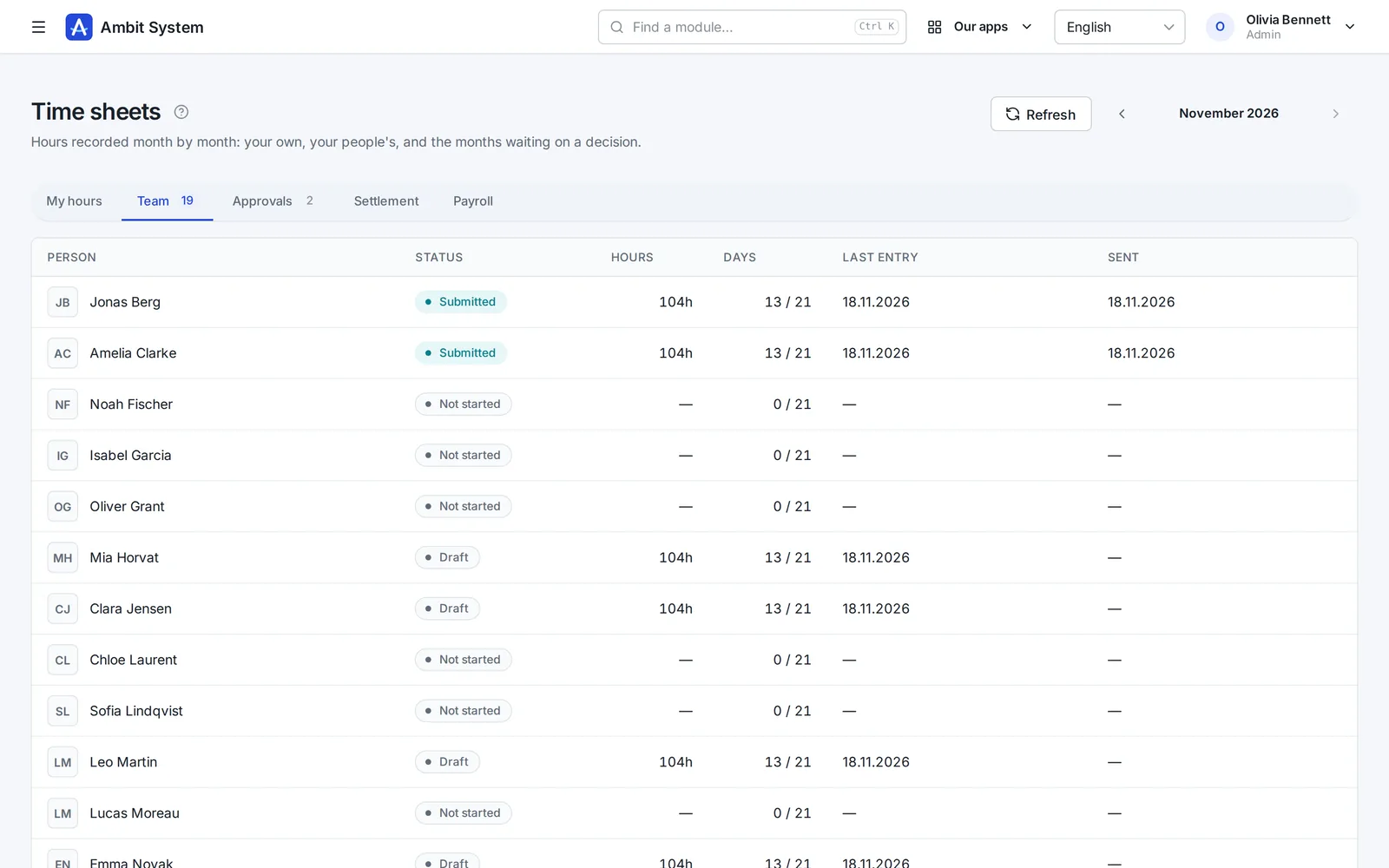
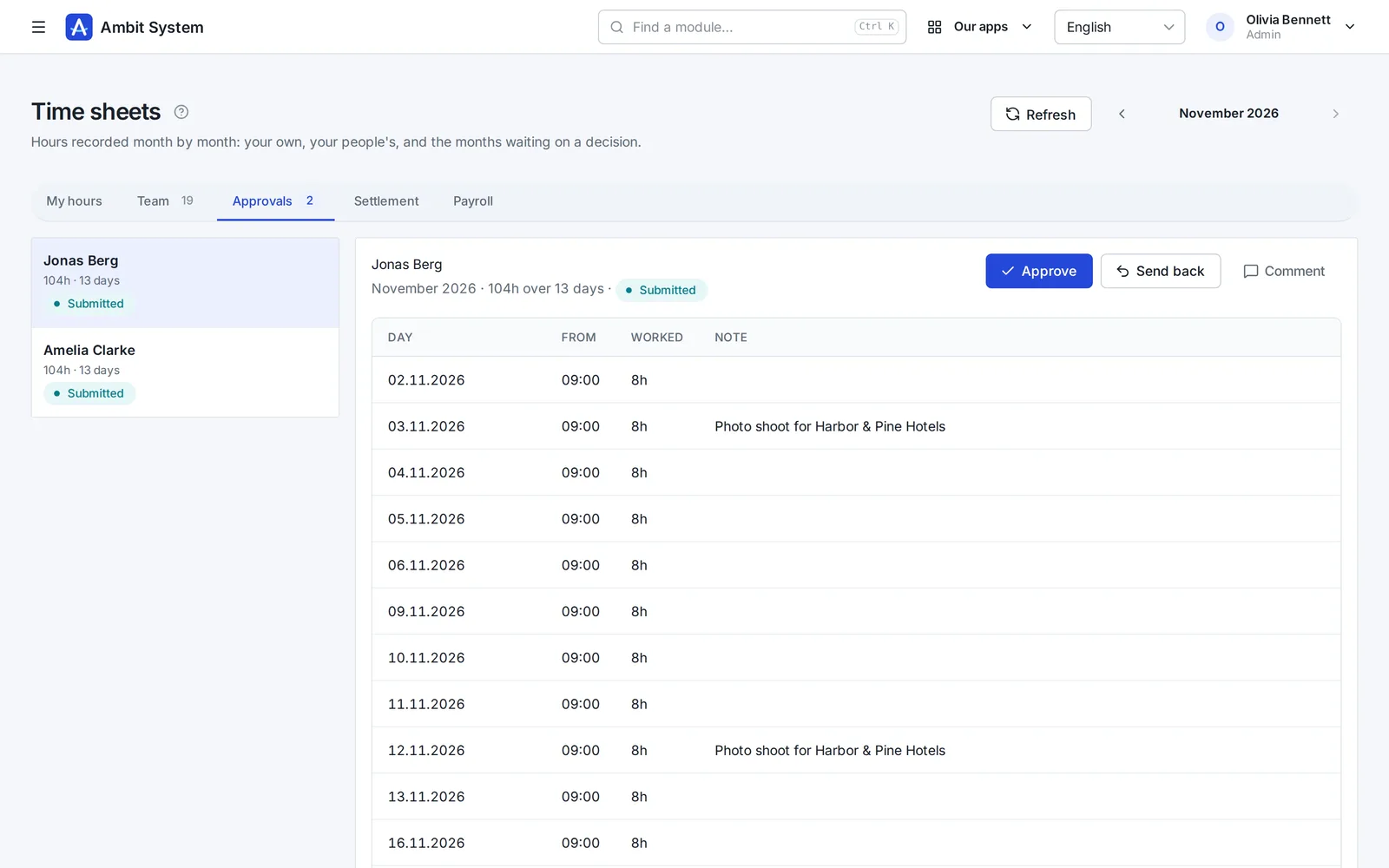
People enter their days; the head the chart names approves the month or sends it back.
Payroll
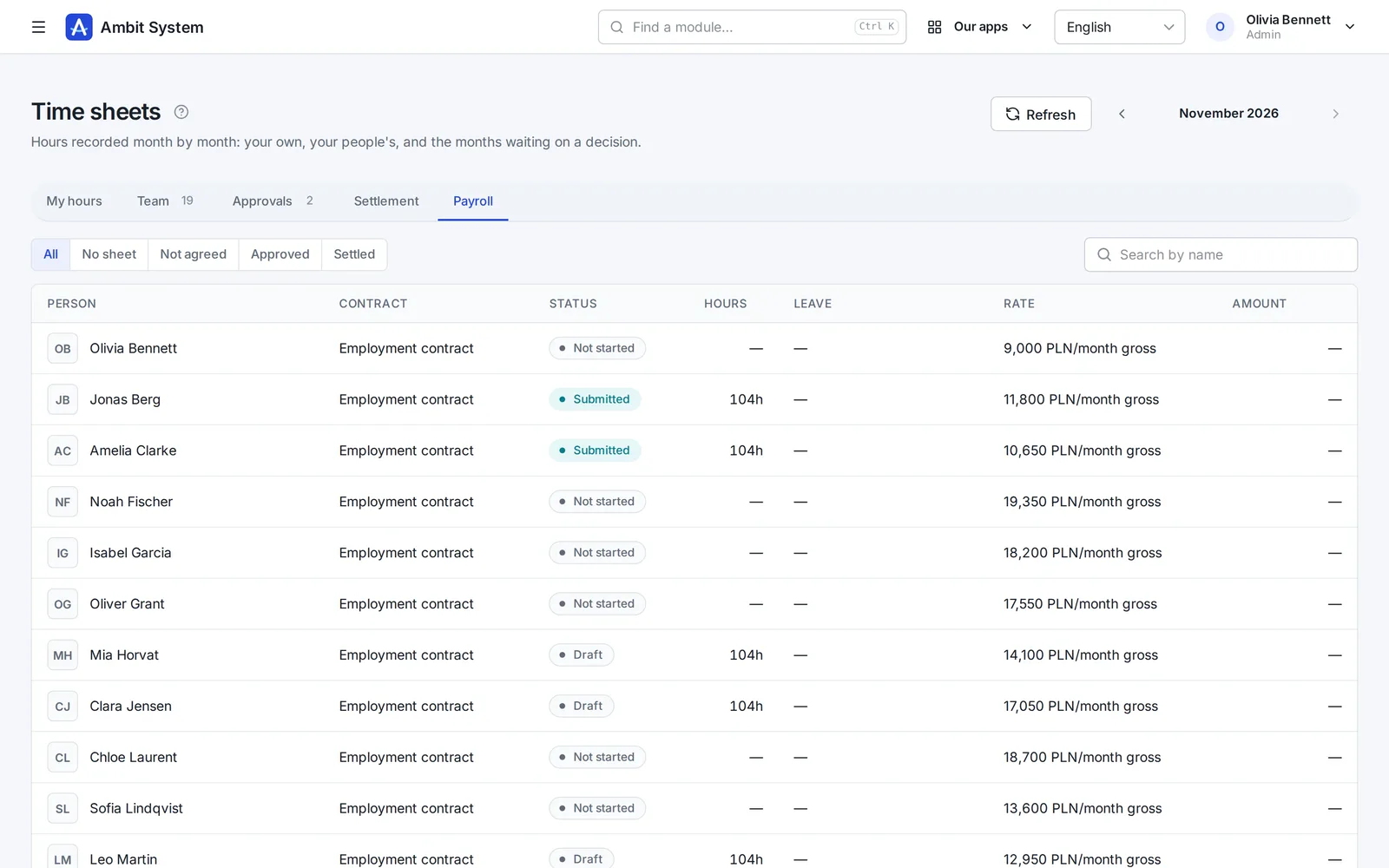
Everybody who owes hours that month, with their contract, status, hours and rate.
Legal entities
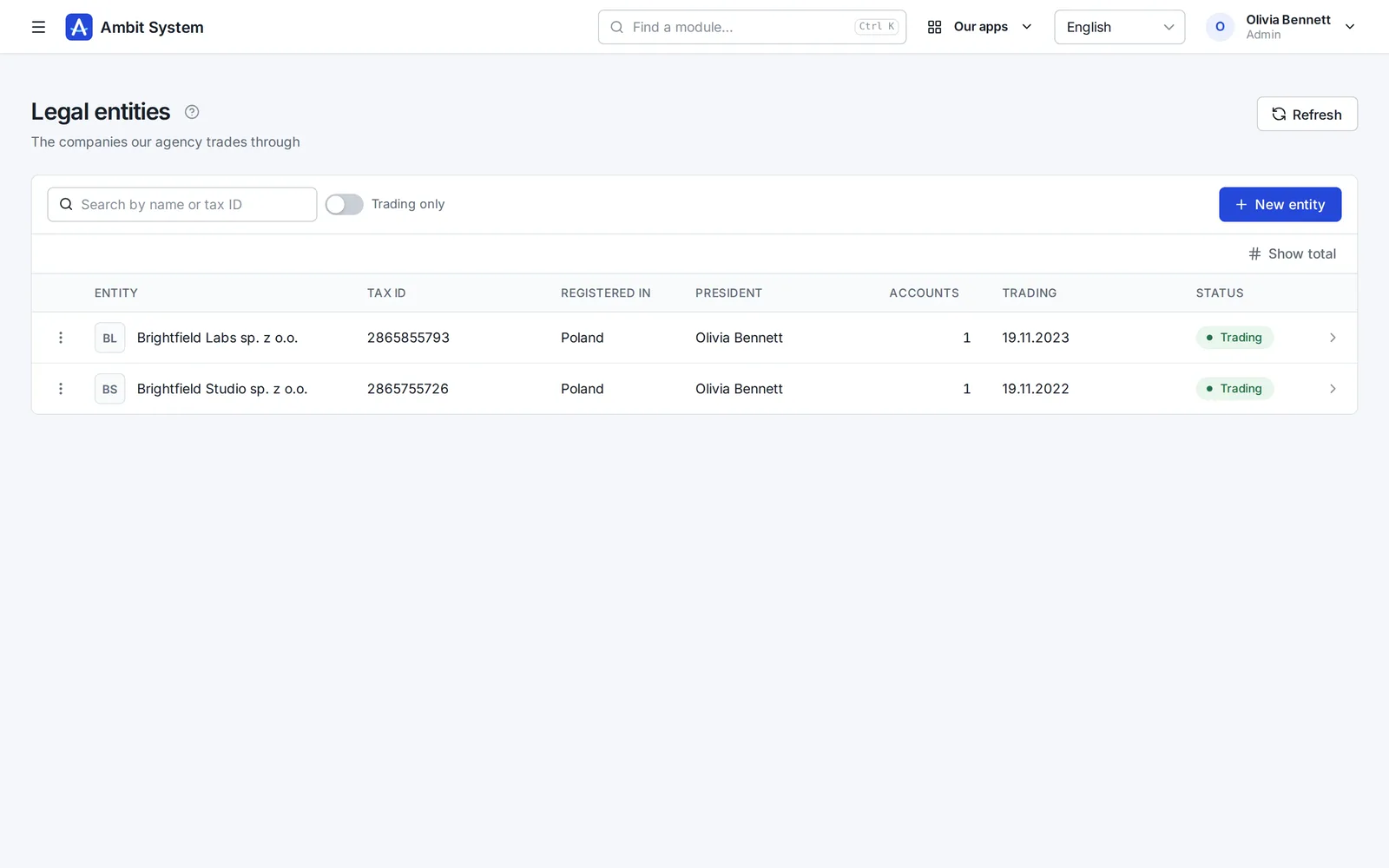
A group with several companies keeps each one: its tax ID, registration, management and bank accounts.
What is in which plan
The shape of the company comes with every plan; hours are added when you need them.
Users, teams, the org chart and legal entities.
Employment, monthly time sheets with approval, and the payroll list. A module of its own, also in the Business package.
Said plainly
We would rather you knew before the demo than after it.
Questions
The head of your unit on the chart. A unit without a head passes the question to the unit above it - so nobody is left answering to nobody. There is no role that approves anybody's hours.
Those whose contract requires it - an employment contract or a mandate. B2B and contracts for specific work do not; the system works it out from the contract.
Yes - from a CSV or XLSX file. Every row is checked first, and you see what will be added before anything is saved.
Deactivating the person ends their access at once; their records and hours stay.
The demo has a company with its chart, people, contracts and months of hours waiting for approval.